
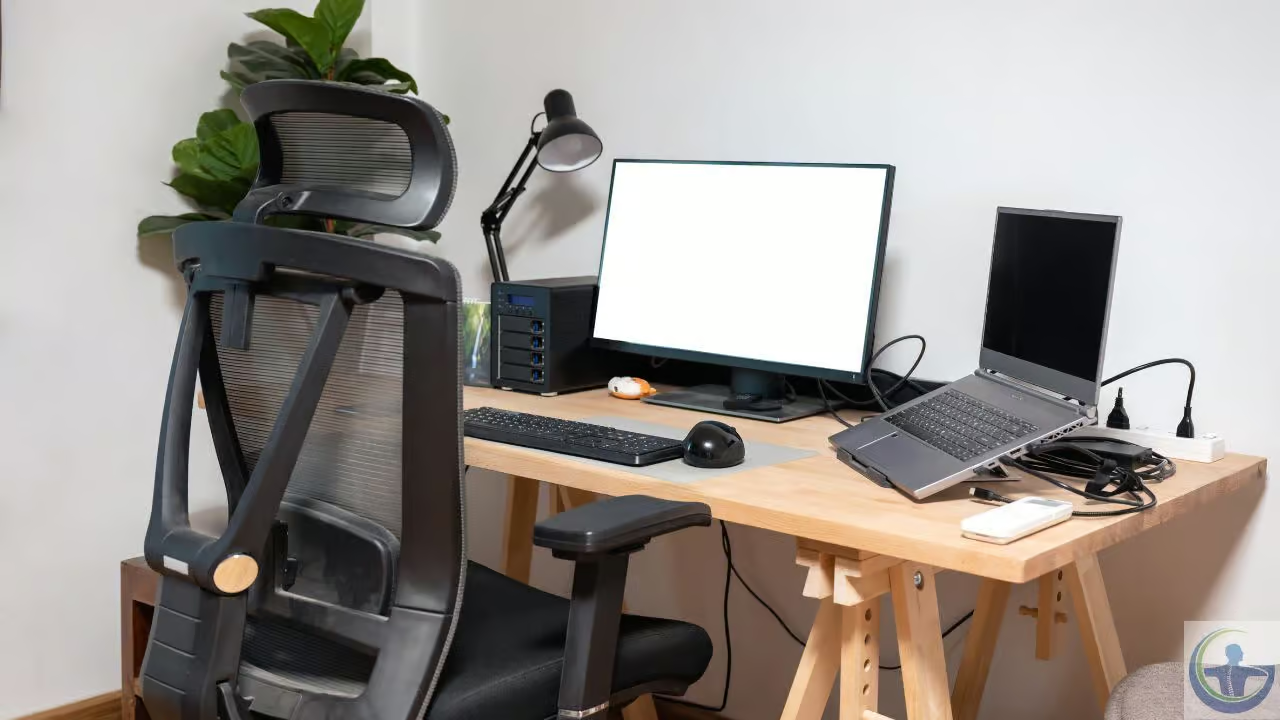

Creating a comfortable and supportive home environment is key to maintaining both physical health and productivity. Ergonomics focuses on designing spaces and habits that align with the body’s natural movements, helping to reduce strain and prevent discomfort. By applying proper ergonomics principles to everyday activities, individuals can improve their physical health and lower the risk of musculoskeletal issues.
Optimize Your Workstation Setup
Your workstation is the foundation for your daily comfort, so it’s necessary to align your tools with your body. A few simple adjustments to your desk and chair can prevent unnecessary reaching or twisting. Adjust your setup as below to promote good circulation and posture.
- Adjust your chair height so your feet rest flat on the floor, with your knees at or slightly below your hips.
- Support your lower back with a cushion if your chair doesn’t provide enough support.
- Position your monitor at eye level, with your shoulders relaxed, to avoid a forward-head posture.
Your elbows should rest at a comfortable 90-degree angle, keeping your shoulders relaxed. Choosing the right desk makes a big impact because a surface that’s too high forces your shoulders up. This alignment keeps your upper body relaxed, and good ergonomics will protect your body for the future.
Maintain Good Posture All Day
Even the best workspace can’t fix the harm caused by slouching. Ergonomic science shows spine alignment reduces stress on your muscles. You must consciously monitor your body positioning to keep discomfort at bay. Check your head position often while you work, and keep your ears aligned with your shoulders to avoid a forward-head posture.
Pay attention to how you sit in your chair. Keep your weight evenly distributed between both hips, and avoid leaning to one side. You can place a small reminder on your monitor to prompt you to sit straight. Your foot positioning also affects your spine’s alignment. Crossing your legs can throw your pelvis off balance, so keep both feet flat on the floor.
Incorporate Movement and Stretch Breaks
Your body is designed for movement, not for staying still. Sitting for long periods can reduce blood flow and cause muscle tension. Breaking up your sitting time is necessary. A short five-minute walk every hour is a helpful reset. Use these breaks to stretch out any muscles that feel tight. You can try these simple movements to stay flexible during your day. They only take a minute and can be done right at your desk:
- Roll your shoulders backward ten times to open your chest.
- Gently tilt your head from side to side to relieve neck tension.
- Stand up and reach your arms high for a full-body extension.
Consistent movement prevents stiffness, and you don’t need a hard workout. These small actions add up over time, and they make a big difference in your overall comfort. Set a timer to remind yourself to get up from your desk.
Improve Lighting and Screen Comfort
Visual comfort is as necessary as your physical posture. Poor lighting strains your eyes, leading to tension headaches. You should balance your room’s brightness with your monitor’s glow. To avoid screen glare, position your desk perpendicular to windows. Natural light is best, but use blinds to control its intensity.
Your monitor’s position and settings also matter. The top of your screen should be at eye level. A low screen forces you to bend your neck forward. You can use a stack of books to elevate your laptop for a better angle. Adjust your display brightness to match the room.
Book Your Ergonomics Consultation Today
Upgrading your home environment with these ergonomic practices can dramatically enhance your daily routine. But sometimes, simple changes cannot fully resolve persistent stiffness or discomfort. If you continue to struggle with your setup, seek personalized advice. Do not wait for minor aches to turn into chronic distractions. Consult a spine specialist or an ergonomic expert today for a thorough assessment and a specialized care plan to help you restore active function and a healthier lifestyle.